


01WARDROBE
Choose business casual
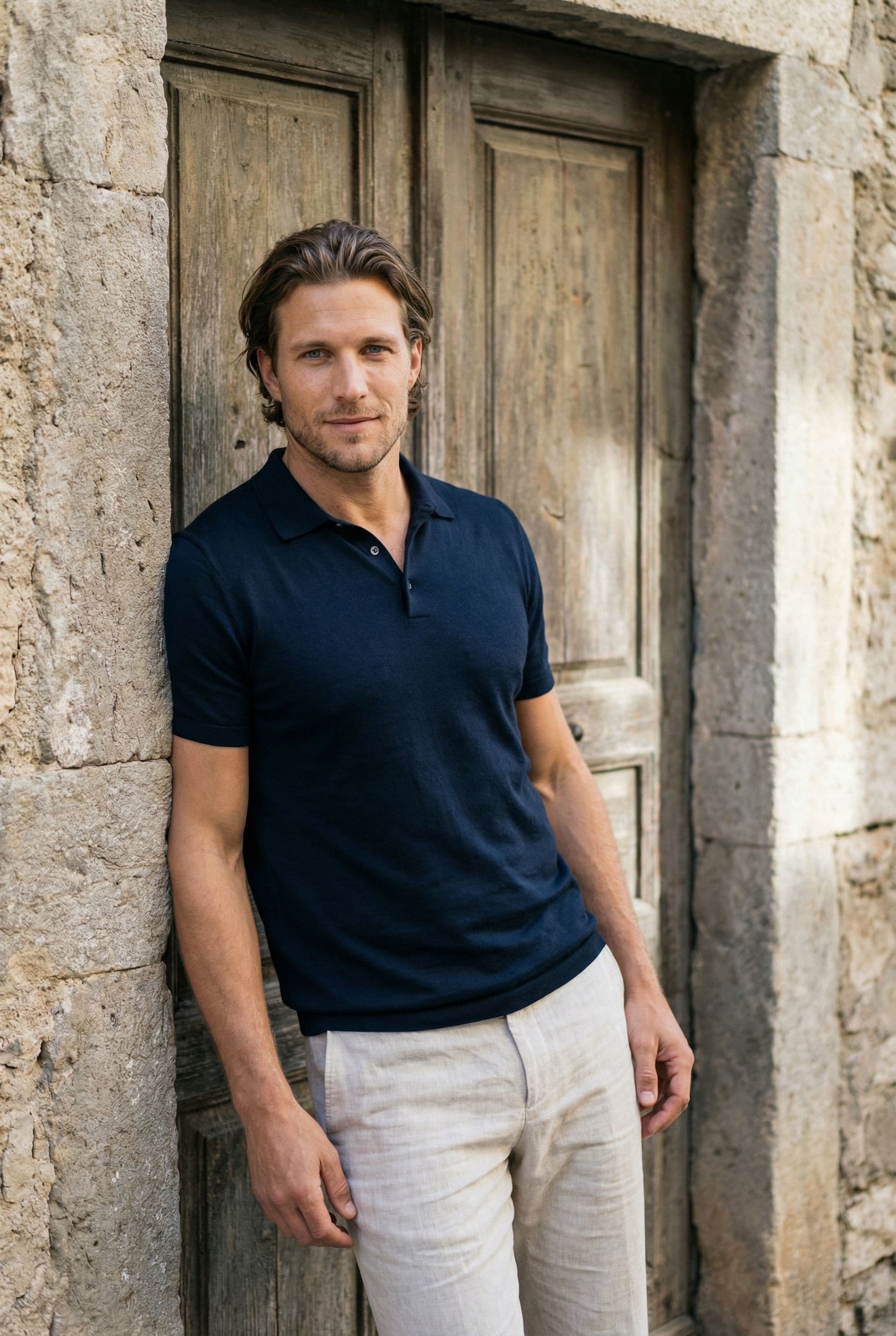
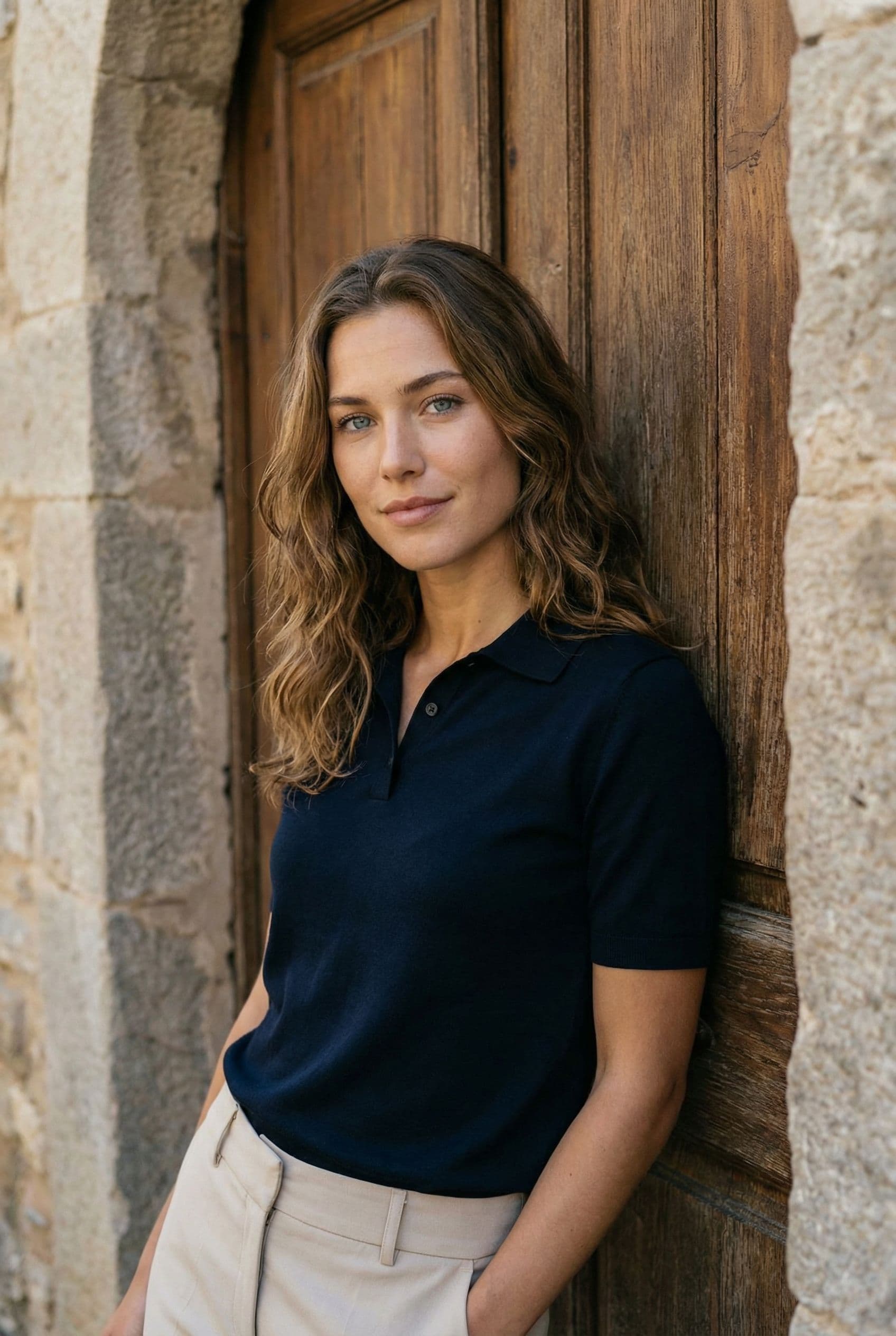
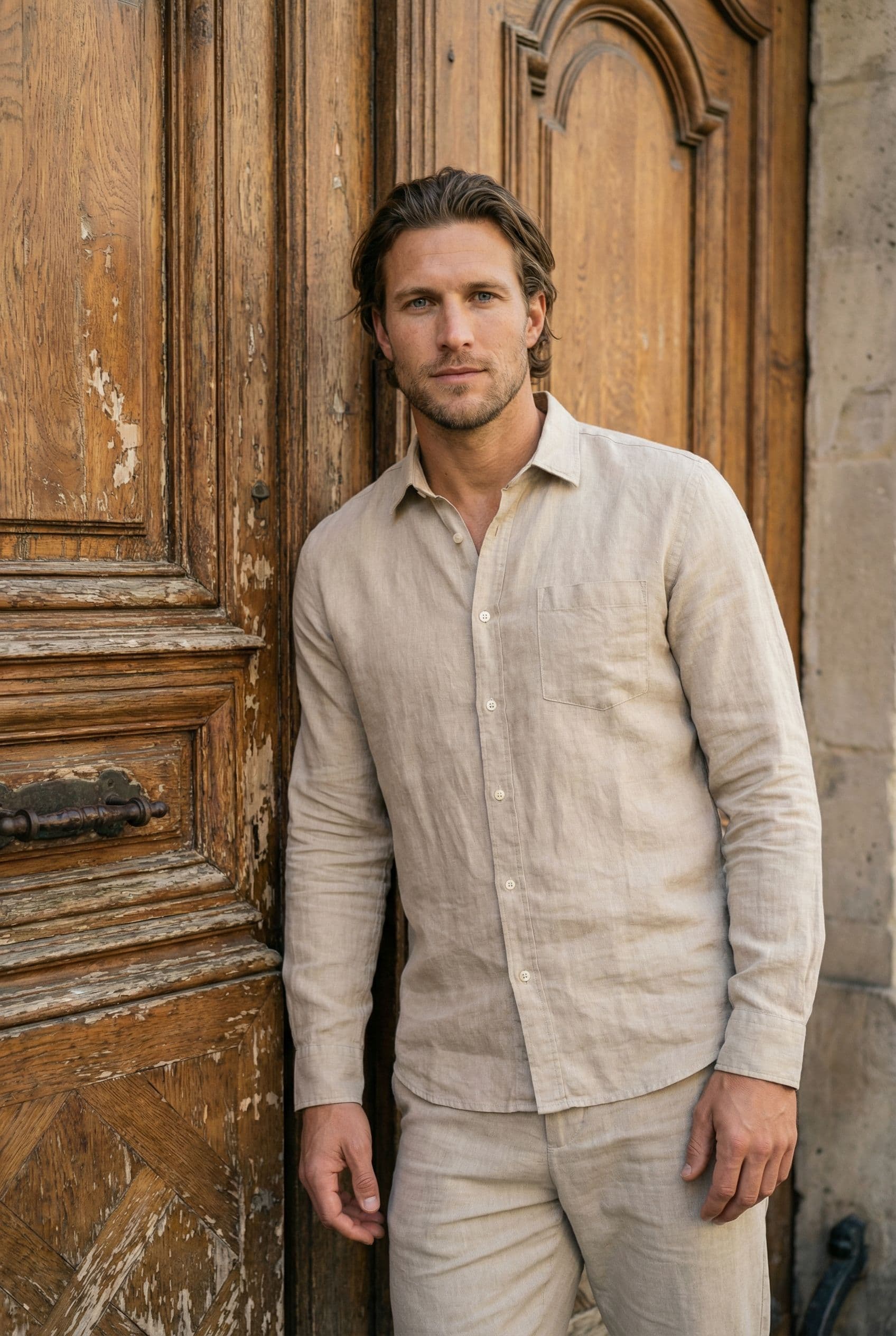
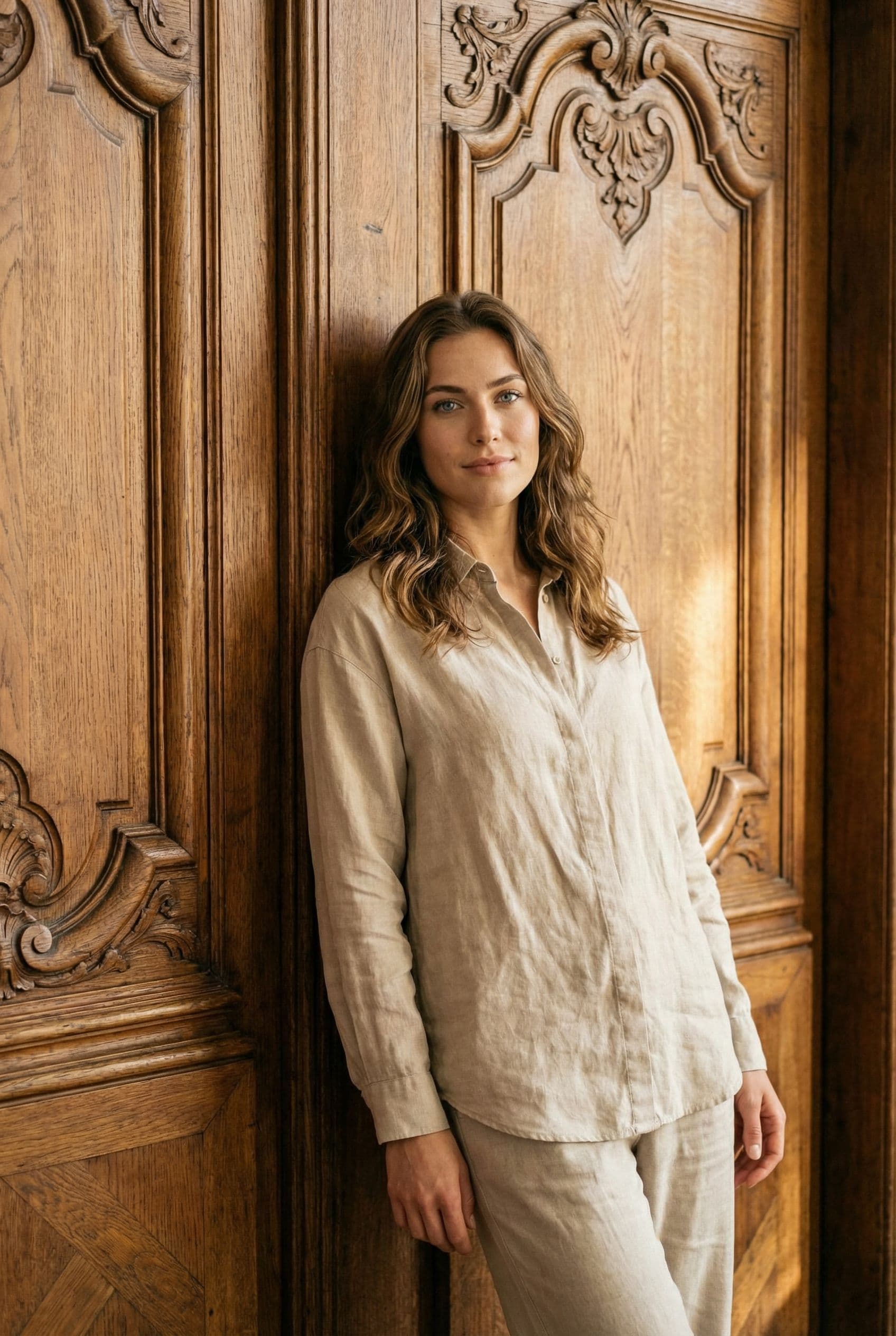
A fitted jacket, knit, or clean collared shirt usually feels more date-ready than a full corporate uniform.
Dating photo style guide
AI Professional Dating Photos turn 3–5 clear selfies into realistic profile pictures set in a polished office, architectural space, or refined neutral setting. This style works best when the face stays clear, the pose feels unforced, and the setting adds a believable detail that a match can ask about.
3–5 selfies · 2K JPG output · One-time credit packages
Direct answer
A professional dating photo can communicate competence and stability while still feeling warm enough for a personal profile.
The strongest profile sets combine a clear primary portrait with social, activity, and lifestyle context. This scene should reveal something useful about you rather than repeat another close-up.
Style tips
A fitted jacket, knit, or clean collared shirt usually feels more date-ready than a full corporate uniform.
Soft natural-looking light preserves credibility without resembling an employee directory.
A genuine small smile and relaxed shoulders balance competence with approachability.
Pair one professional portrait with casual, social, and activity images.
Use it after a clear face-first portrait. The setting must read instantly because swipe decisions are fast.
Lifestyle context works well here, especially when the photo feels approachable and suggests a real interest.
Context-rich photos pair naturally with prompts and give matches a specific detail to comment on.
How it works
Include recent photos with one close-up, visible eyes, even light, and no other people.
Select vibes that match a polished office, architectural space, or refined neutral setting and complement the rest of your profile.
Fotto.AI uses your references for identity and creates new scene, pose, lighting, and wardrobe combinations.
Choose images that remain recognizable and accurately represent the appearance and lifestyle a date will meet.
Use the clearest portrait first, then place this lifestyle photo where it adds the most new information.
Avoid corporate badge photos, rigid crossed arms, or using a formal headshot as the only profile image. AI dating photos should represent your current appearance and a plausible version of your life—not invent credentials, possessions, or experiences.
AI Professional Dating Photos turn 3–5 clear selfies into realistic profile pictures set in a polished office, architectural space, or refined neutral setting. This style works best when the face stays clear, the pose feels unforced, and the setting adds a believable detail that a match can ask about.
Yes. Professional photos can work across Tinder, Bumble, and Hinge when your face is clear and the image adds variety to the rest of your profile. Use the photo as a supporting lifestyle image unless it is also your clearest portrait.
Upload 3–5 recent, clear selfies to Fotto.AI, choose a dating-photo vibe, and generate. The reference photos supply your identity while the selected scene controls the setting, outfit, pose, and lighting.
Fotto.AI requires 3–5 clear reference selfies, including at least one close-up. Avoid group photos, sunglasses, blur, and heavy filters.
The generation process uses your uploaded selfies as the identity reference and is designed to preserve recognizable facial features. Use recent, varied, well-lit references for the most consistent result.
Avoid corporate badge photos, rigid crossed arms, or using a formal headshot as the only profile image. Keep the result consistent with your real appearance and lifestyle so a date is not misled.
Turn 3–5 clear selfies into realistic dating photos across multiple scenes and choose the results that still feel like you.
Generate dating photos