


Turn your selfies into dating profile gold
Our AI photographer transforms your everyday photos into polished, scroll-stopping dating profile shots — in minutes, not days.

Effortless Background Removal: Instantly Enhance Your Photos with AI
 Ryan ColeMarch 2, 2025
We’ve all been there: You’ve captured the perfect shot — a beautiful portrait, an eye-catching product photo, or a special moment — but the background feels out of place or distracting. That’s where the power of background removal comes to the rescue. The best part? You don’t need to be a pro editor or spend hours in complex software like Photoshop. With fotto.ai's Background Remover, you can easily erase unwanted backgrounds, add vibrant new ones, or leave your image with a clean, transparent background in just a few clicks.
Introducing fotto.ai’s Background Remover
Say hello to hassle-free editing! fotto.ai’s AI-powered background remover helps you eliminate backgrounds from any image with pinpoint precision — no experience necessary. Our cutting-edge tool is designed to make your editing process faster, smoother, and more creative.
Forget Googling “how to remove backgrounds in Photoshop.” With fotto.ai, you can remove the background of any image in seconds, all with an intuitive, beginner-friendly interface. If you're looking to remove background quickly, this tool is the ultimate solution.
Why Use a Background Remover?
Whether you're a photographer refining portraits, an online seller showcasing products, or a content creator designing scroll-stopping visuals, a background remover is a game-changing tool. Let’s explore why it belongs in your toolkit:
Photography & Portraits:
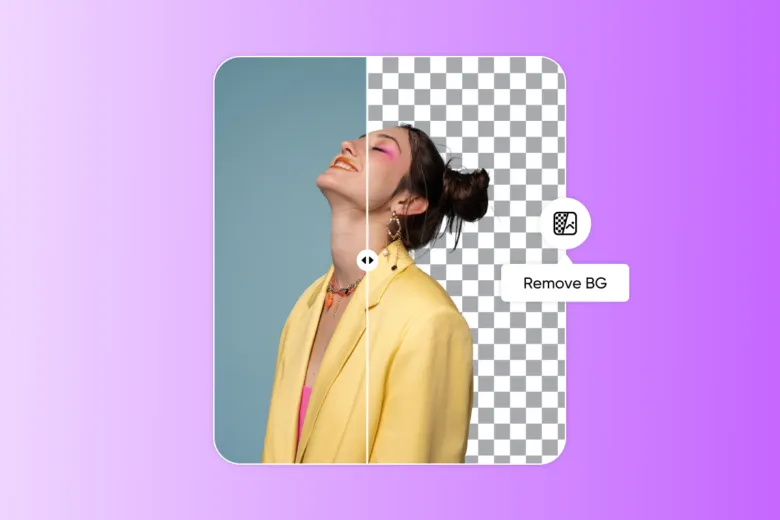
Background removers let you keep the spotlight on your subject. Perfect for enhancing headshots, family portraits, or artistic shoots, they save you hours of manual editing while ensuring clean, professional results. You can remove the background and place your subject in any setting you imagine.
Product Photography:
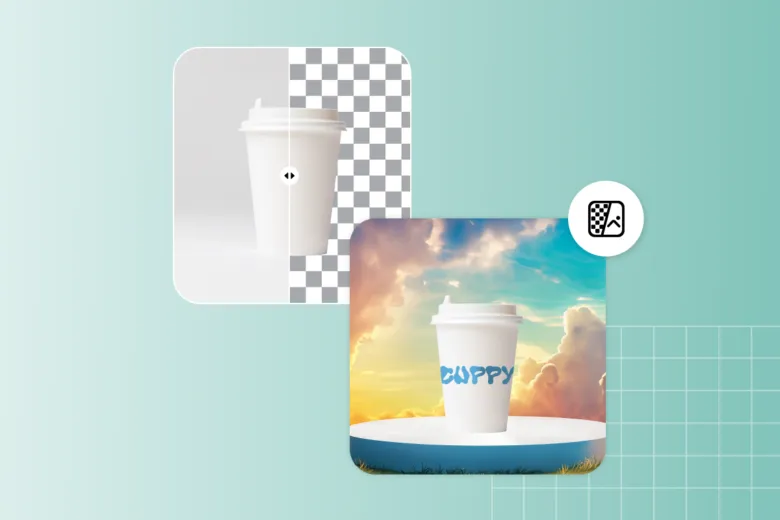
For eCommerce, clean product images are a must. Removing background distractions helps highlight your product, creating polished visuals that grab buyers' attention and boost conversions.
Marketing & Design:
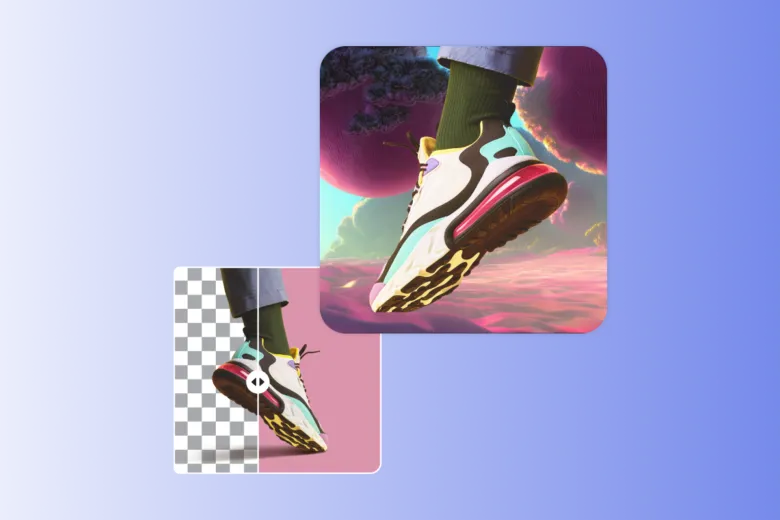
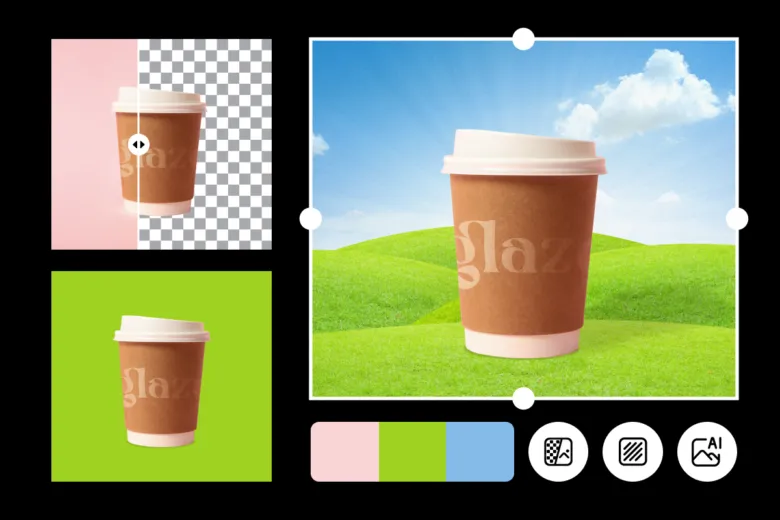
From crafting sleek social media content to designing impactful ad creatives, background removal tools give you the freedom to experiment with colors, textures, and dynamic backdrops without complex software.
Creative Projects:
Want to try something bold? Background removal opens the door to endless creative possibilities — from surreal photo composites to digital artwork. Let your imagination run wild without getting bogged down by technical details.
How to Remove Backgrounds with fotto.ai
Ready to transform your images? Removing backgrounds with fotto.ai is quick and easy.
-
Head to fotto.ai’s Background Remover and upload your image.
-
Let the AI automatically detect and remove the background.
-
Download your image with a transparent background or click "Edit my image" to add a custom backdrop.
Once your background is removed, the real fun begins. With fotto.ai, you can:
- - Change Background Colors: Make your subject pop with vibrant or neutral hues.
- - Use Free-to-Edit Backdrops: Choose from a library of textures, patterns, and scenes.
- - Generate AI Backgrounds: Type a prompt, and let AI create a unique backdrop for your image.
Elevate Your Editing Workflow
Why spend hours on tedious edits when you can let AI handle the heavy lifting? fotto.ai empowers creators, entrepreneurs, and hobbyists to focus on their vision, not the tools. Say goodbye to manual background removal and hello to faster, smarter, and more stunning edits.
Start transforming your images today with fotto.ai’s Background Remover — your shortcut to effortless, professional-grade results.
Keep Reading
Easily remove unwanted photo backgrounds with Fotto.ai. Enhance product shots, create stunning edits fast, no Photoshop needed.
Get more matches by fixing what decides every swipe: your photos. How to shoot, pick, and test AI dating photos that still look like you.
Confidence reads visually. How posture, body angle, hands, eyes and a real smile make your dating photos look like you on a good day.
Nine dating profile picture ideas that pop on swipe apps, the composition rules behind them, and a 20-minute plan to shoot them at home.
A realistic 7-day sprint to lift your match rate without touching your photos. Day-by-day plan: bio audit, rewrite, opener templates, swipe rule, peak-time sessions, conversation pivots, and how to measure and lock in the wins.
Some AI dating photos get spotted instantly, others pass. Here is what gives them away and how to pick ones that hold up on a first date.
A slot-by-slot guide to the Hinge 6-photo carousel: what each slot should do, the best order to run them in, and the mistakes that cost matches.
How much is Match.com, and is it free? What the free plan really does, real monthly costs, whether it is legit and worth it, and how to cancel.